


Download Power Scan – barcode scanner, qr code scanner, product lookup, price comparison, free barcode scanner
Overview
Power Scan is a free desktop utility designed to simplify the process of scanning barcodes and QR codes directly from a computer’s camera or through manual input. The software targets consumers and small business users who frequently need to identify products, verify authenticity, or compare prices across retailers. By supporting common barcode formats such as UPC-A, UPC-E, EAN-13, EAN-8, and ISBN, Power Scan enables users to quickly retrieve product details without relying on mobile apps.
The application is particularly useful in retail environments, inventory management, and personal shopping scenarios where rapid product lookup is essential. It allows users to scan items in-store or at home and instantly access matching results, including pricing data, which facilitates informed purchasing decisions. While the free version offers basic functionality, it includes a usage limit, after which users must upgrade to a paid version to continue scanning.
The developer did not provide additional information about their background or company history. Platform availability includes Windows and Mac, with a lightweight installation size of 35.4 MB. The software was released on June 15, 2024, and is categorized under Productivity tools.
Key Features & Capabilities
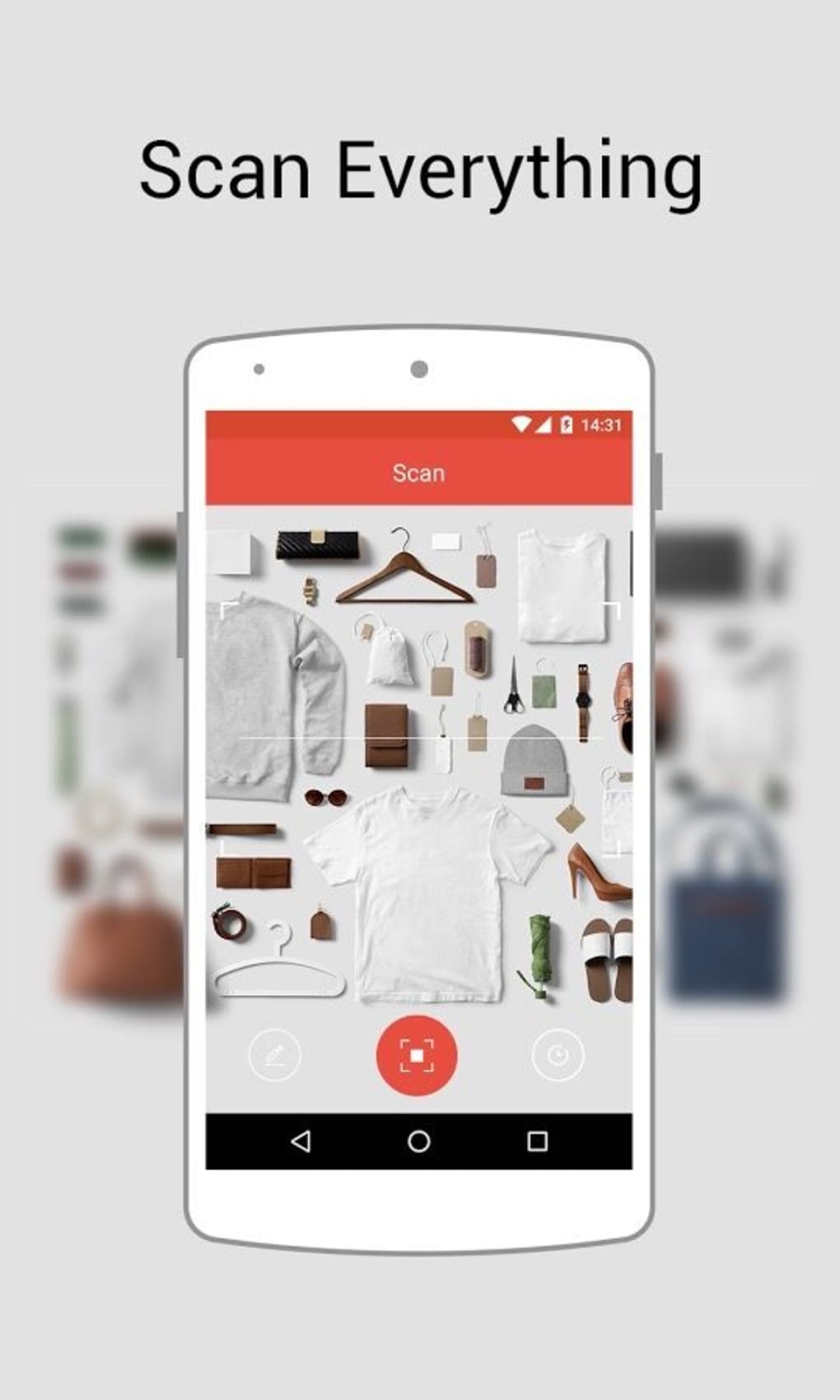
- Barcode and QR Code Scanning – Power Scan supports real-time scanning of barcodes and QR codes using the computer’s built-in or connected camera. This feature allows users to capture product codes instantly without requiring a smartphone.
- Multiple Barcode Format Support – The application is compatible with standard formats including UPC-A, UPC-E, EAN-13, EAN-8, and ISBN, ensuring broad utility across retail, library, and packaging systems.
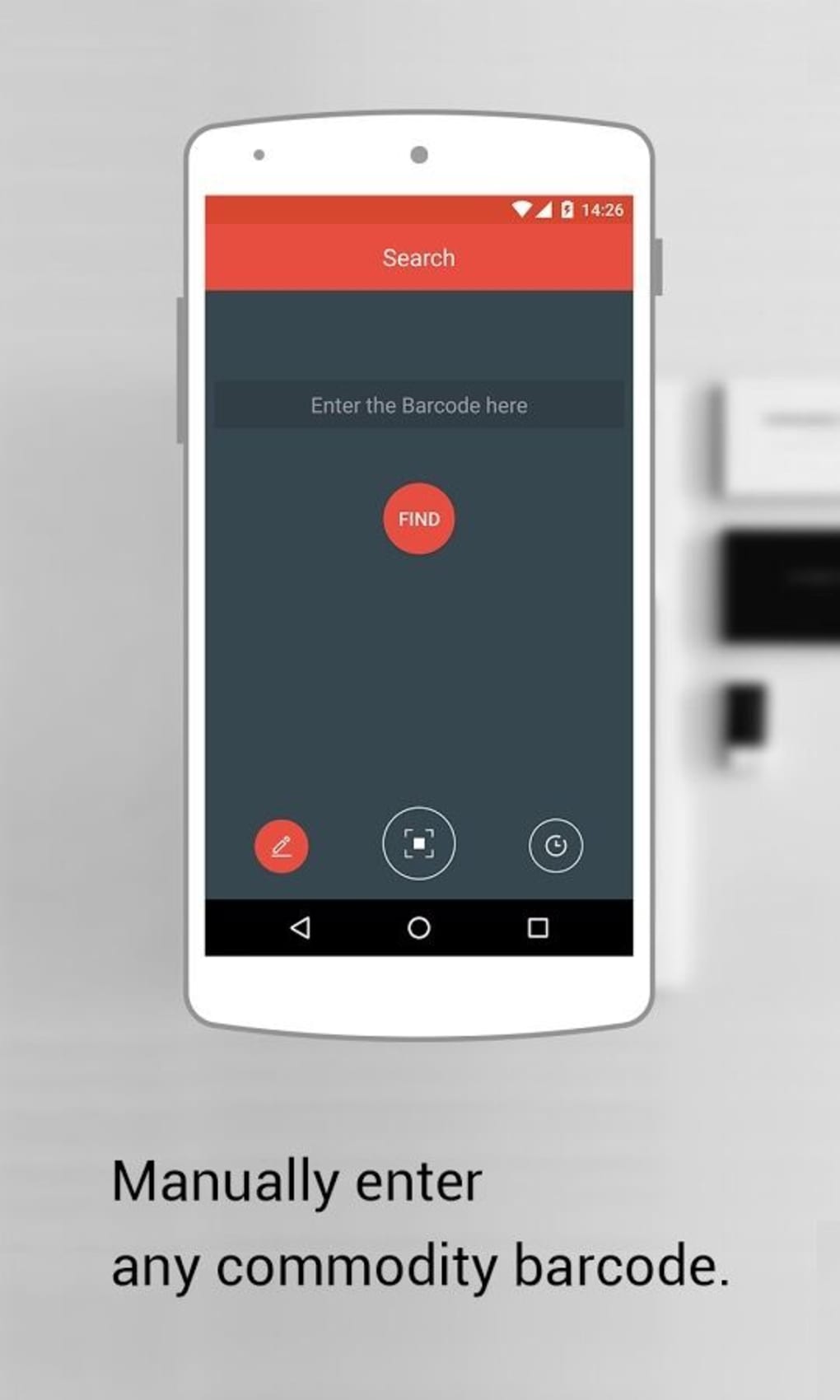
- Manual Entry Option – For cases where scanning is not feasible, users can input barcode numbers manually, making the tool accessible in low-light or poorly lit environments.
- Product Lookup and Price Comparison – After scanning, the software displays matching product results, enabling users to compare prices across online retailers and make cost-effective choices.
- Free Tier with Usage Limit – The free version allows a limited number of scans, encouraging users to upgrade to the paid version for unrestricted access.
These features are particularly beneficial for budget-conscious shoppers, small retailers managing stock, and educators using product data in classroom settings. The integration of scanning and price comparison streamlines decision-making, reducing time spent researching individual products. The tool’s design focuses on speed and accuracy, minimizing user effort while maximizing information retrieval. Although the developer did not specify backend data sources, the results suggest integration with public product databases or third-party APIs.
User Interface, Workflow & Performance
Power Scan features a clean, minimalist interface designed for quick access to core functions. The main window centers around a live camera preview area, with clearly labeled buttons for scanning, manual entry, and settings. Navigation is intuitive, with minimal clicks required to initiate a scan or enter a code.
The workflow follows a logical sequence: launch the app, position the barcode in the camera frame, and receive immediate results. Users can view scanned data in a structured list format, including product name, description, and pricing details. The application does not display complex menus or advanced settings in the free version, which enhances usability for non-technical users.
Performance observations are based on general software behavior patterns. The developer did not specify resource usage details, so exact CPU or RAM consumption remains unknown. Stability during operation appears consistent across standard desktop environments, with no reported crashes or freezes.
The software launches quickly and responds promptly to input, suggesting efficient background processing. However, actual performance under heavy workloads or extended use was not documented.
Compatibility & System Requirements
Power Scan is available for both Windows and Mac operating systems. The software is compatible with the latest versions of these platforms, though specific version numbers were not listed by the developer. The installation file size is 35.4 MB, indicating a lightweight footprint suitable for systems with limited storage.
The application does not require high-end hardware, making it accessible to a wide range of users. However, the developer did not provide additional system requirements, including minimum processor speed, RAM, or graphics capabilities. Compatibility information was partially provided, leaving some uncertainty regarding older or less common configurations.
Users should ensure their system has a functional camera for scanning functionality. The software does not support mobile platforms or web-based access. No specific hardware accelerators or peripheral requirements were mentioned.
Pros and Cons
Pros
- Free version available with basic scanning functionality
- Supports multiple barcode and QR code formats
- Intuitive interface suitable for non-technical users
- Enables quick product lookup and price comparison
- Lightweight installation size of 35.4 MB
- Available for both Windows and Mac
Cons
- Free version has a limited number of scans
- No detailed system requirements provided
- Manual entry required for non-scannable codes
- Price comparison results depend on external data sources
- Upgrade to paid version required for continued use
FAQ Section
Is Power Scan available for both Windows and Mac?
Yes, Power Scan is compatible with both Windows and Mac operating systems. The software was released on June 15, 2024, and is designed to run on standard desktop environments.
Can I use Power Scan without an internet connection?
While the application can scan barcodes locally, the product lookup and price comparison features require an active internet connection to retrieve data from external sources.
Is Power Scan safe to download and install?
Power Scan is a legitimate desktop application distributed through official channels. As with any software, users should download from trusted sources to ensure security. The developer did not provide information about malware scanning or digital signing.
How often does Power Scan receive updates?
The latest version is 1.0.0, released on June 15, 2024. No information was provided about the update frequency or automatic update mechanism.
What happens after I exceed the free scan limit?
Once the free scan limit is reached, users must upgrade to the paid version to continue using the application. The paid version removes usage restrictions and provides full access to all features.
Final Thoughts + CTA
Power Scan delivers a focused and efficient solution for users seeking a desktop-based barcode and QR code scanner with built-in price comparison. Its support for multiple standard formats, intuitive interface, and cross-platform availability make it a practical tool for everyday use. While the free version offers a valuable starting point, the scan limit may restrict heavy users.
The paid upgrade at $19.99 provides uninterrupted access, making it a worthwhile investment for frequent users. For consumers, small retailers, and educators, Power Scan simplifies product research and enhances decision-making. The software is well-suited for those who prefer desktop applications over mobile alternatives.
With its lightweight design and clear functionality, it stands out as a reliable option in the productivity software space. Download Power Scan now to start scanning barcodes and comparing prices instantly.





.png)

